Your boat.
Connected before, during
and after every trip.
Before
you arrive.

Sensors
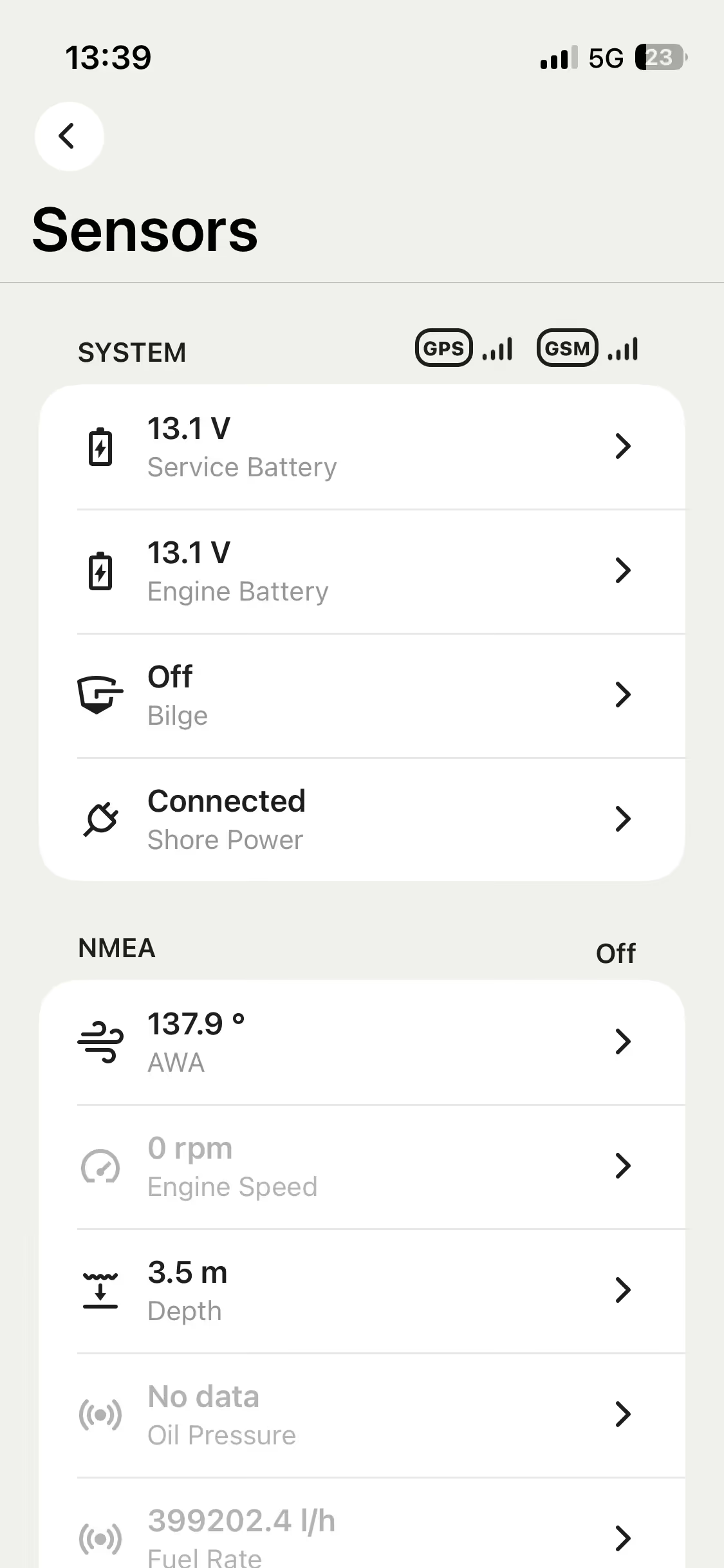
- Battery & shore power
- Bilge water alerts
- Cabin climate & security
- Full NMEA2000 integration
- And many more specialized sensors
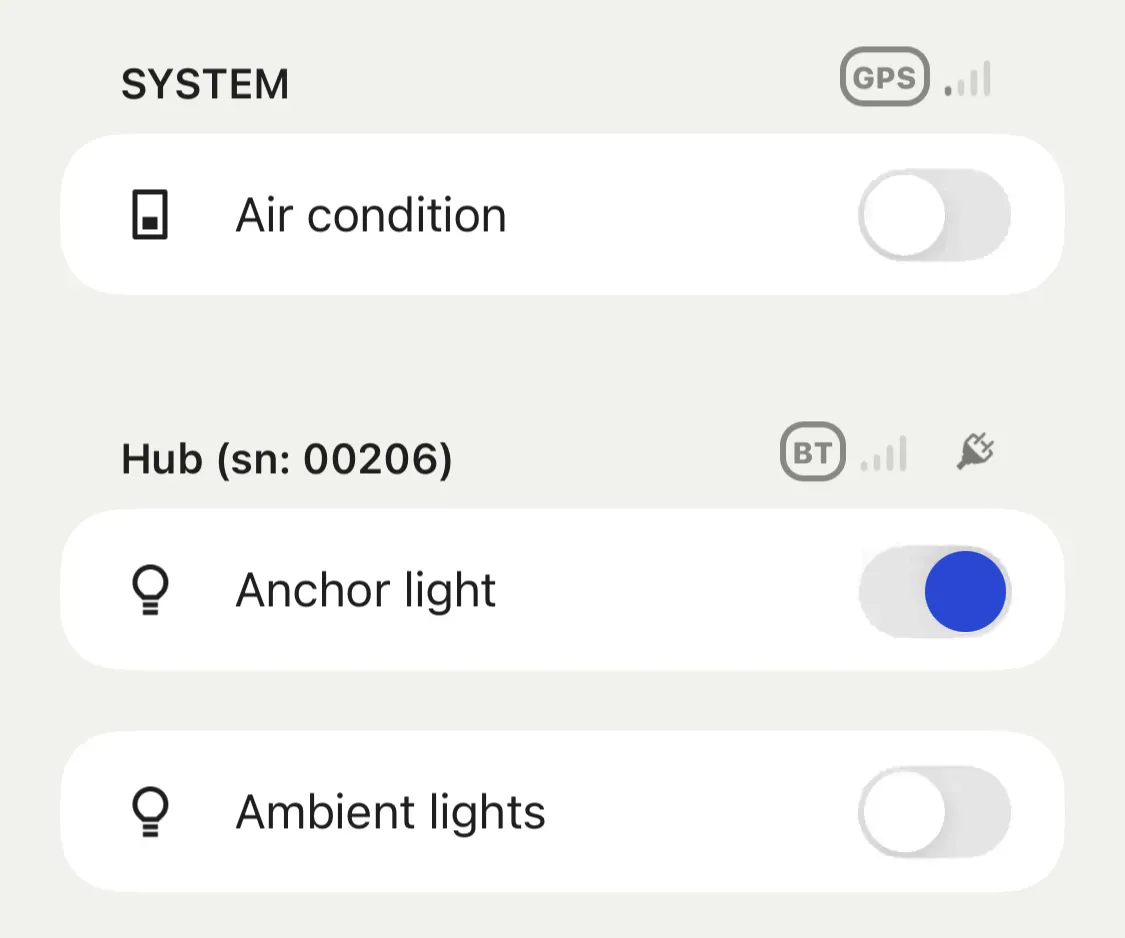
Switches
- Lights on/off
- AC, heating, fridge
- Sentinel relays or full digital switching integration
- Remote Control Outputs
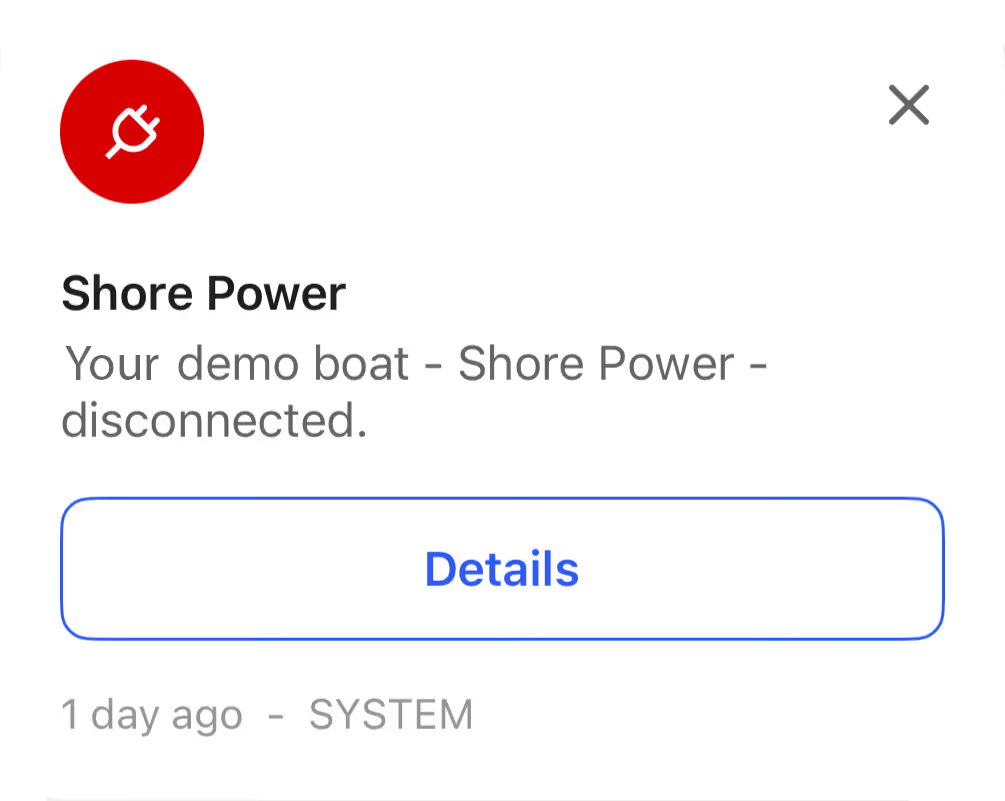
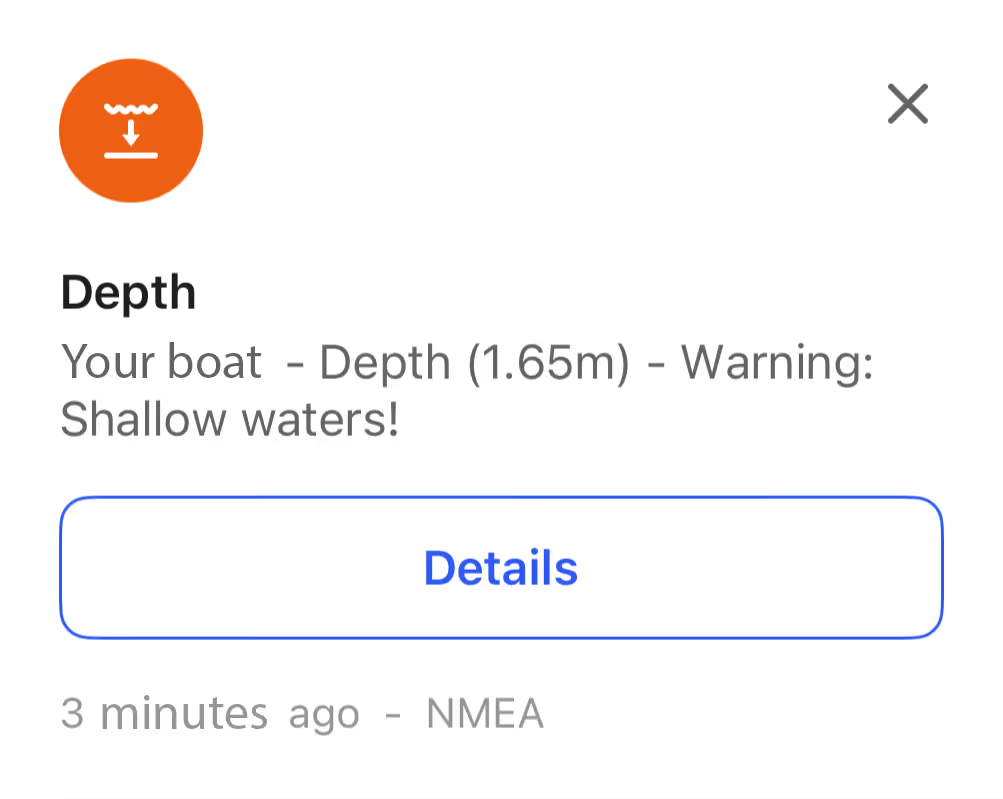
Alerts
- Low battery warning
- Bilge / water detection
- Geofence breach
- Unauthorized access
Checklists
- Ready-to-use templates
- Custom checklists
- Safer, smoother trips
When you're
onboard.

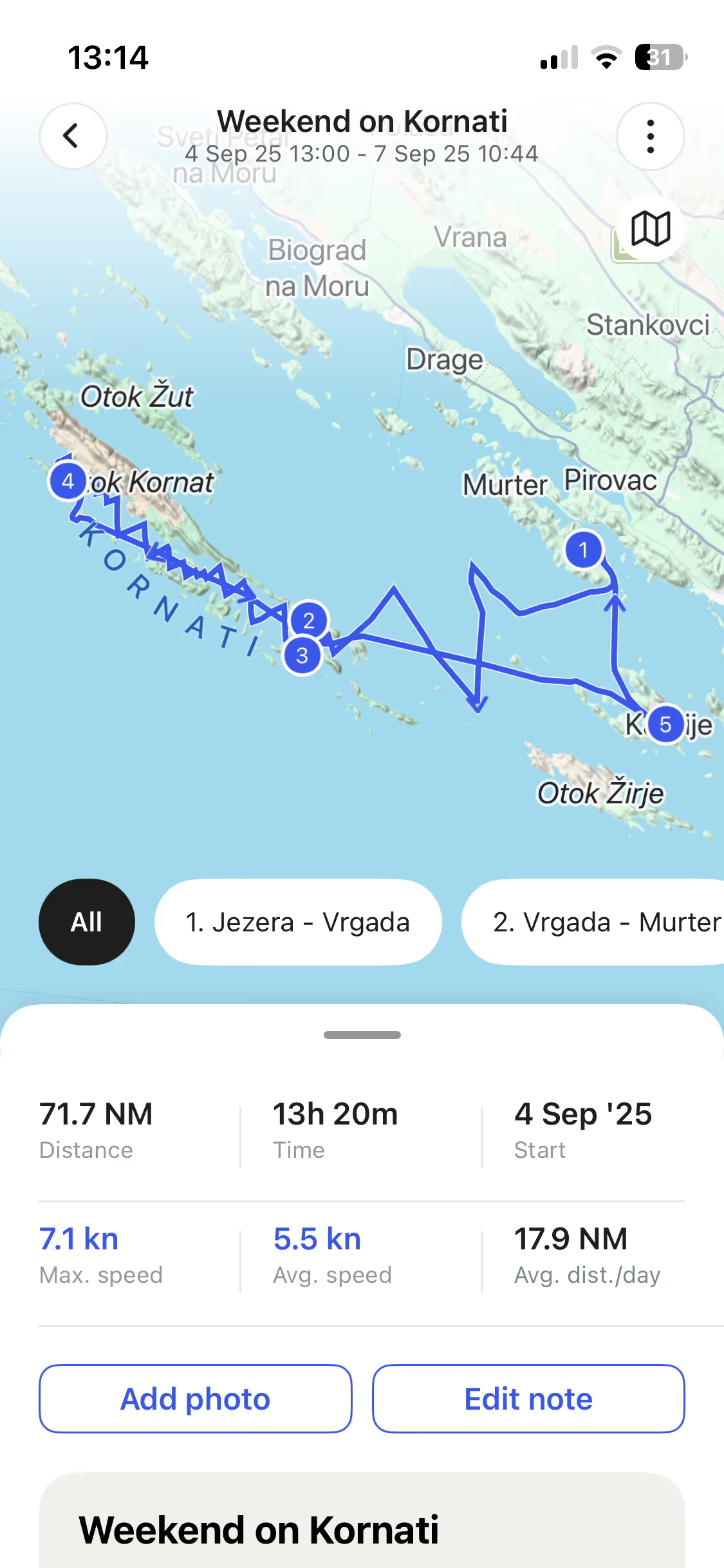
Trips
- Automatic trip logging
- Route history & statistics
- Photos and notes from every trip
Documents
- Manuals
- Certificates
- Insurance documents / Invoices
- No more paper binders
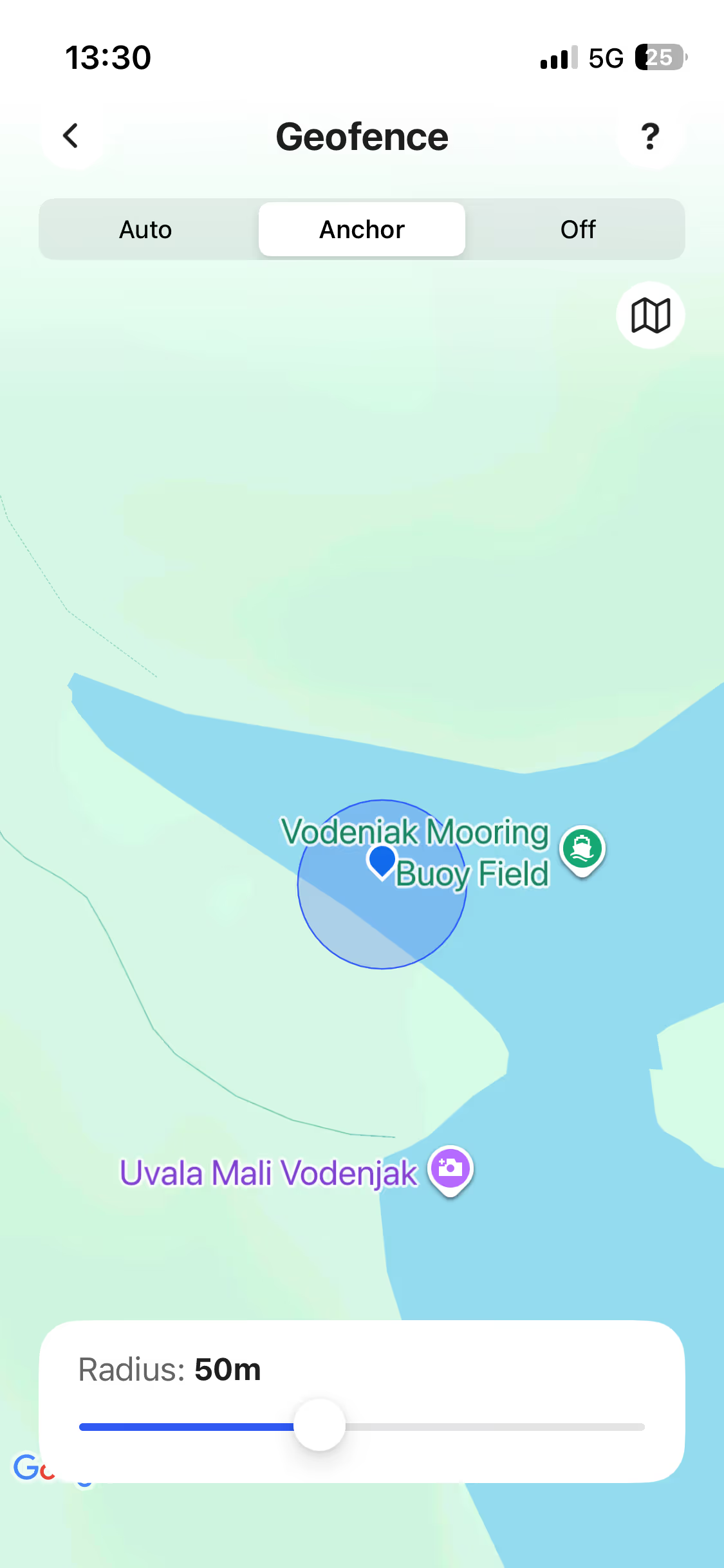
anchor Alarm
- Anchor drift alerts
- Real-time position monitoring
- Peace of mind at anchor
.avif)
After
YOUR TRIP.
Maintenance
- Service reminders
- Maintenance tracking
- Alerts based on real boat data
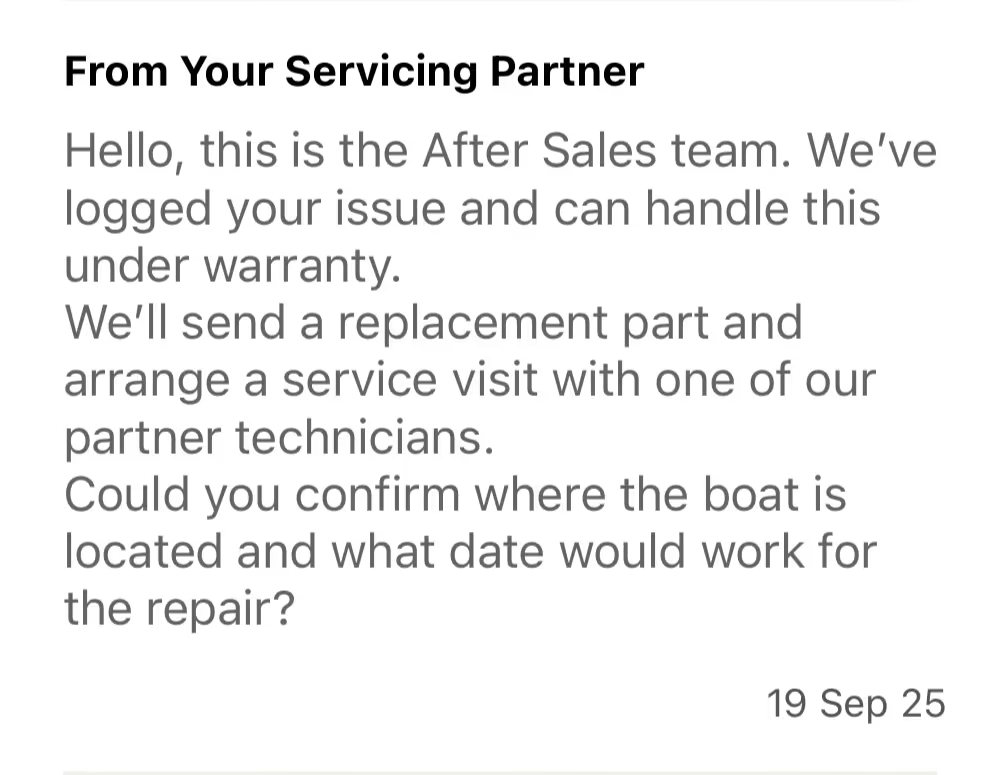
Messaging
- Arrange maintenance
- Ask questions
- Get professional support in one thread
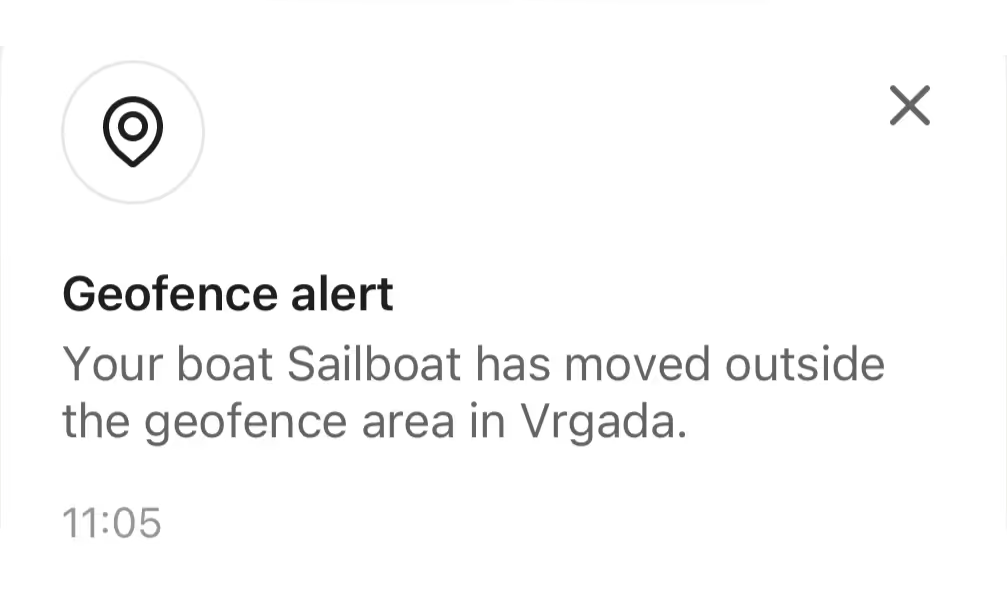
Geofence
- Geofence alerts
- Instant movement detection
- Custom monitoring zones

EXPLORE SENTINEL BEFORE YOU BUY.
Download the Sentinel App
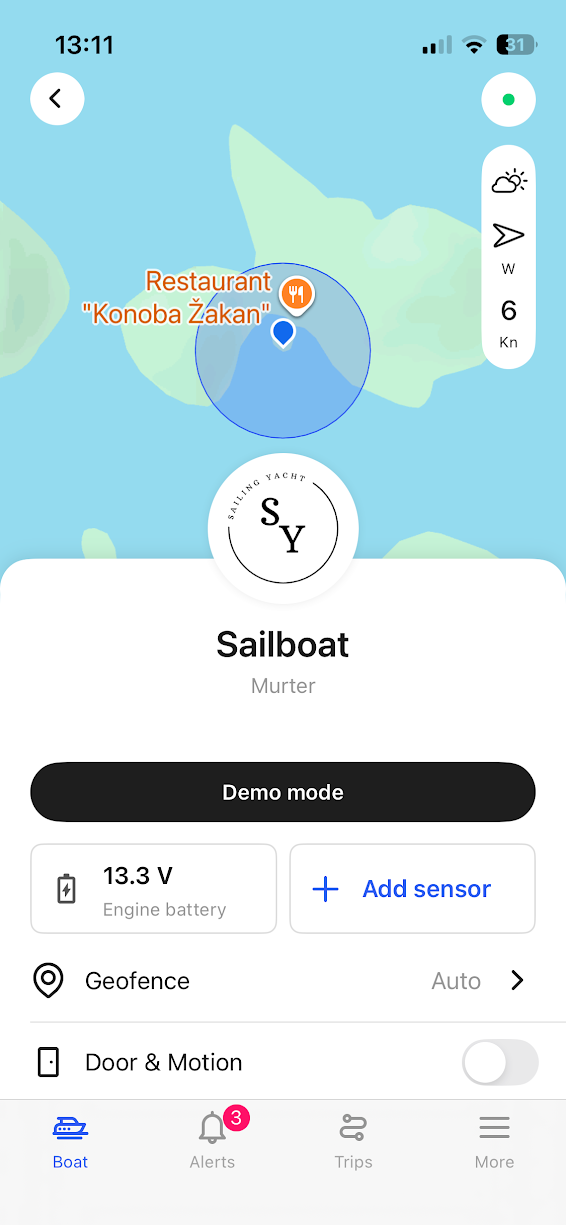
Demo Boat
A fully configured virtual vessel inside the app. Explore monitoring, alerts, sensors, and remote boat management exactly as if Sentinel was already installed on your boat.
REGISTER YOUR BOAT. UNLOCK SENTINEL GO.
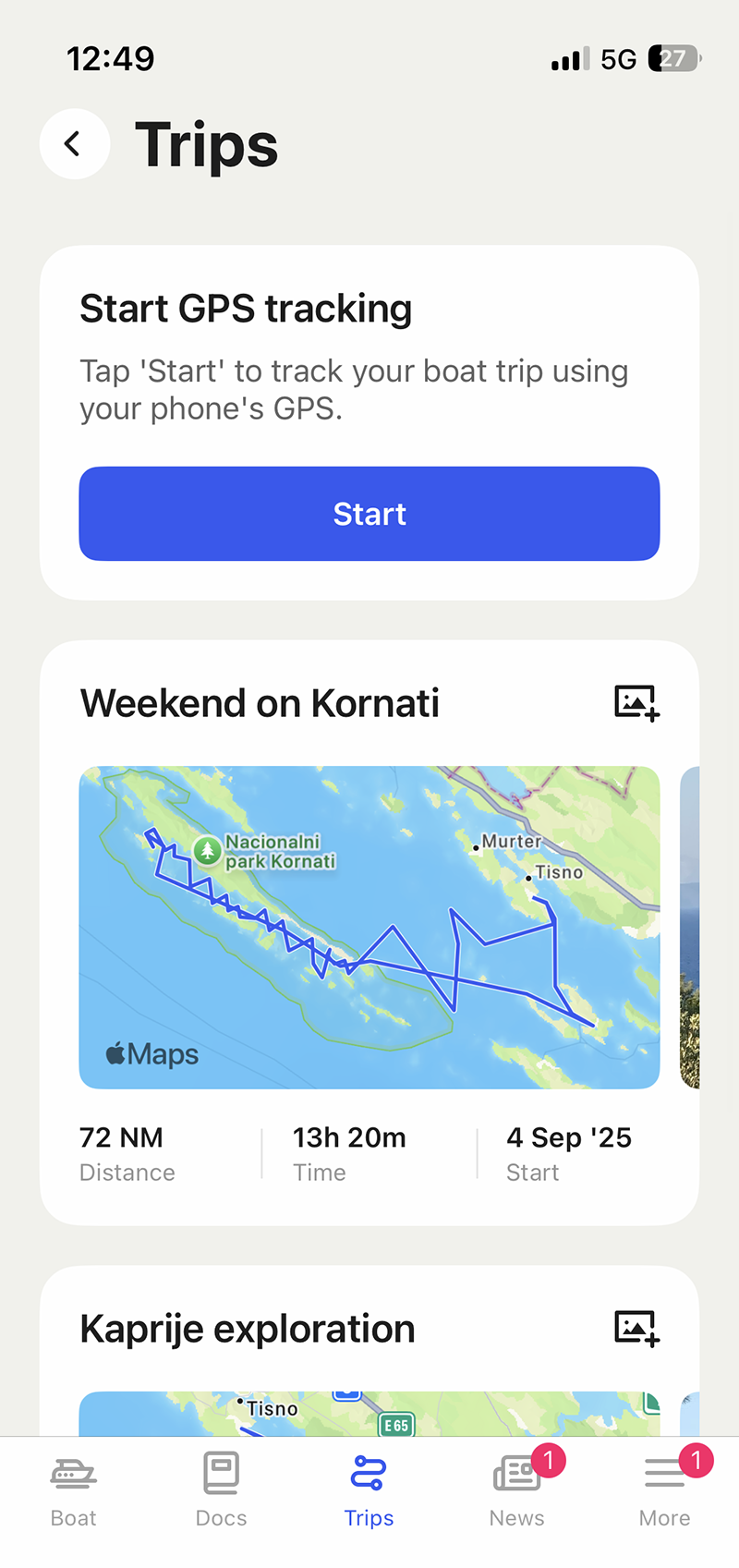
TRIP RECORDING
- Trip recording
- Digital logbook
- Routes, distance & trip history
MAINTENANCE & DOCUMENTS
- Maintenance history
- Boat documents & manuals
- Certificates & warranties
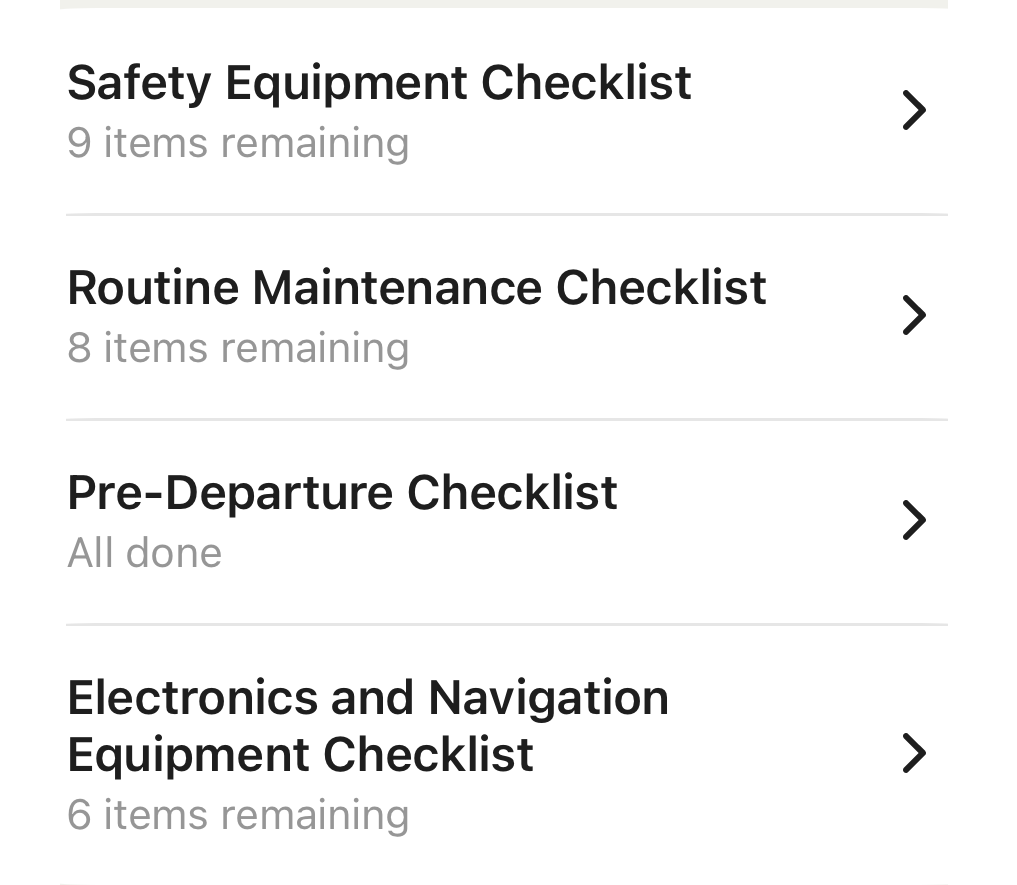
CHECKLISTS
- Departure checklists
- Arrival checklists
- Custom task lists
UPGRADE
YOUR BOAT.
Still deciding?
Why do you ask for boat details during the registration process?
We ask for your boat details to provide you with the best possible experience using Sentinel GO. Many boats already have a factory-installed Boat Monitor. By checking your boat’s information against our database, we can confirm if you have one installed.
If your boat has a Boat Monitor, you can unlock premium features simply by subscribing—no additional hardware required!
If your boat doesn’t have a Boat Monitor, the details you provide help us customize the app’s features and settings to fit your boat perfectly, ensuring everything runs smoothly from the start.
How do I get started? (Step-by-step guide)
Getting started with Sentinel is simple! You can explore Sentinel’s features for free before making a purchase.
Step 1: Download the Sentinel App
- Download Sentinel – Your Boat, Online from the App Store or Google Play Store.
- Create an account and register your boat.
Step 2: Try Sentinel GO for Free
With Sentinel GO, you can start using basic features immediately, including:
- Free digital boat logbook
- Trip tracking & history
- Demo mode for premium features
Step 3: Choose Your Products
- Browse our range of Sentinel Bundles and select the solution that best matches your boat and cruising style.
- If you’re unsure which bundle is right for you, our experts are happy to help you choose the best configuration or create custom one.
Step 4: Place Your Order
Purchase your chosen bundle directly through our online store. Your bundle includes the first year of your Sentinel subscription, so you can start using the system as soon as it’s installed and activated.
Step 5: Choose Your Installation Method
You have two installation options:
Professional Installation (Recomended)
If you’d like your system professionally installed, complete the Request Professional Installation form. We’ll verify whether a Sentinel Certified Partner is available in your area. If one is available, we’ll provide an installation estimate before introducing you to the installer.
Self-Installation
Prefer to install the system yourself? Explore our Quick Tutorials for an overview of the installation process. You’ll also receive access to detailed Installation Guides with step-by-step instructions to help you install and activate your Sentinel system on your own.
Step 6: Start Monitoring
Once your Sentinel system is installed and activated, you’re ready to go. Open the Sentinel app to monitor your boat in real time, receive instant alerts, review trip history, access maintenance records, and stay connected to your boat from anywhere in the world.
How do I create an account and start using Sentinel GO?
To create an account and start using Sentinel GO, follow these simple steps:
- Download the Sentinel – Your Boat, Online app from your device’s app store (available for both iOS and Android).
- Create an Account: Open the app and sign up using your email address and password.
- Set Up Your Boat Profile: Add your boat details and wait for the confirmation email.
- Access Free Features: Once your account is active, you can start using the free Sentinel GO features — including trip checklists, GPS trip tracking, and your digital maintenance logbook.
- Explore Premium Mode: Try the Demo Boat to see how Sentinel’s connected system works before upgrading with hardware.
Sentinel GO is the free feature set inside the Sentinel app — your easy start into smarter, connected boating.
What devices are compatible with Sentinel GO?
Sentinel GO is be available on both iOS and Android devices, so you can use it on your smartphone or tablet.
What makes Sentinel GO different from other boating apps?
Sentinel GO stands out because it:
- Requires no additional hardware, making it accessible to all boaters.
- Offers powerful features for free, such as checklists, trip tracking, and maintenance management.
- Simplifies boating tasks, giving you more time to enjoy the water.
Sentinel GO is your gateway to smarter, stress-free boating.